Bliss HQ
Bookkeeping cleanup checklist: how to run a catch-up project
A step-by-step bookkeeping cleanup checklist for catch-up projects, from scoping and quoting to reconciliations, payouts, the balance sheet and handing over a clean file.
Every bookkeeping firm gets the call: "We're a few months behind. Maybe a year." Cleanup and catch-up work is some of the most valuable work you can offer, and also the easiest to lose money on. The difference is almost always process. A cleanup with a clear scope, a fixed order of work and a before-and-after report finishes on budget. One without them drags on for months.
This is the checklist we use, in the order we work through it.
1. Scope it before you quote it
Never quote a cleanup from a phone call. Get read-only access first and spend an hour looking.
- The period: the first and last month you will fix.
- The last year that was filed. Anything on or before that date is someone else's signed-off work. Note it now.
- Every account: bank accounts, credit cards, loans, lines of credit and merchant accounts (Stripe, Square, Shopify, PayPal).
- Volume: roughly how many transactions a month, and how many are sitting in Uncategorized or Ask My Accountant.
- Complications: payroll, inventory, sales tax in more than one place, classes or locations, personal spending through the business.
2. Price it as a project
A flat fee per cleanup is easier for clients to approve than an open-ended hourly estimate, and it rewards you for working efficiently.
- Price from the scope: months behind, number of accounts, volume and complications.
- State what is included and what is not, especially prior filed years and tax returns.
- Take a deposit or the full fee up front. Catch-up clients are, by definition, behind on things.
- Offer the monthly service as the next step in the same proposal.
See our guide to pricing bookkeeping services for more on fixed fees.
3. Collect everything in one request
The fastest way to stall a cleanup is to ask for documents one at a time. Send one list:
- Bank and credit card statements for every month in the period, plus the month before it starts.
- Loan and line of credit statements.
- Payroll reports for the period.
- Merchant payout reports (Stripe, Square, Shopify, PayPal).
- Last year's tax return and year-end financial statements.
- Receipts or explanations for large or unusual transactions.
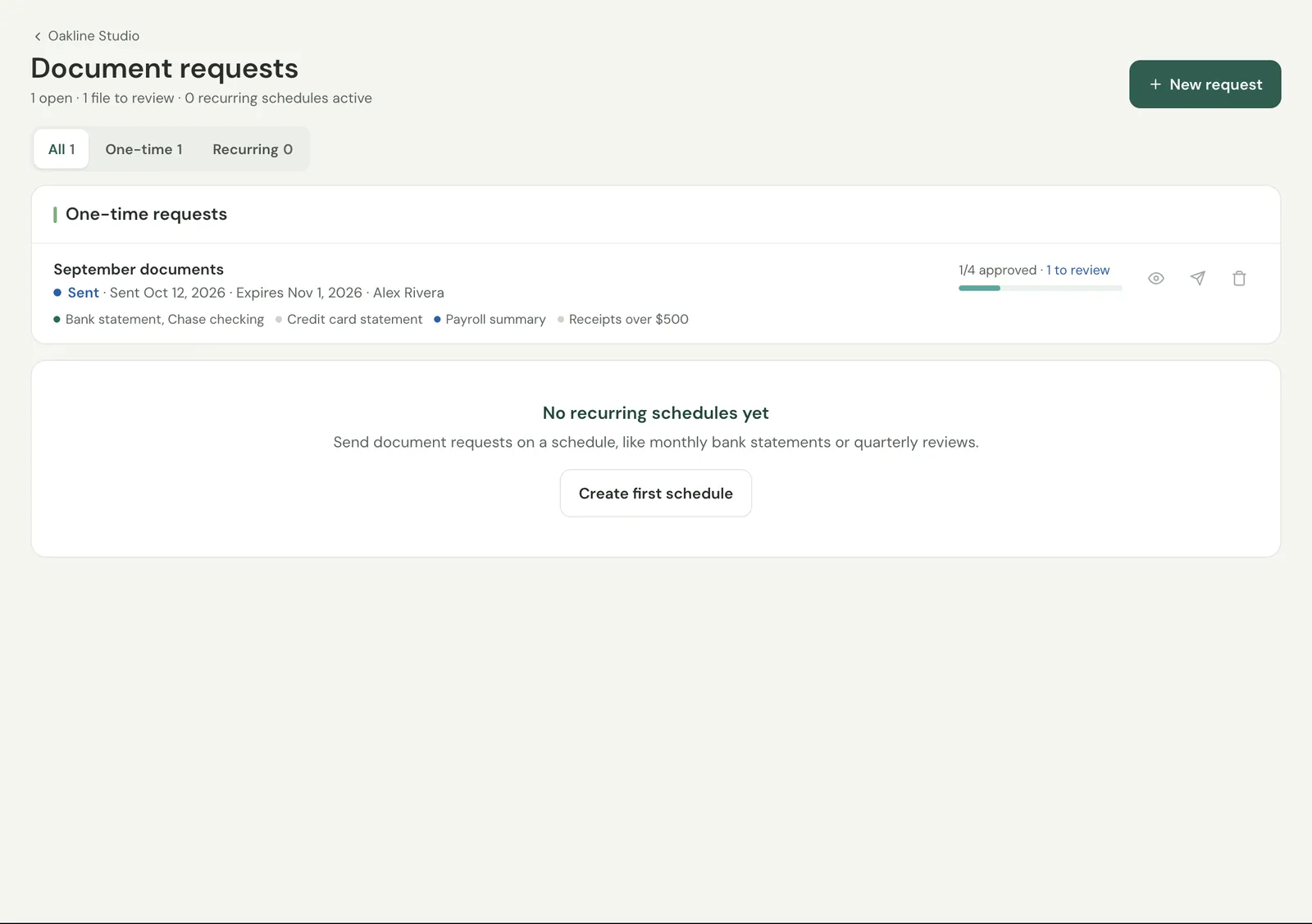
Track each item, and let reminders do the chasing. A tracked document request saves days of back and forth.
4. Take a "before" snapshot
Before you change anything, save the trial balance, profit and loss, and balance sheet for the period. You will need them to:
- show the client exactly what changed and why;
- prove the value of the work at the end;
- undo anything that went wrong.
5. Protect the filed years
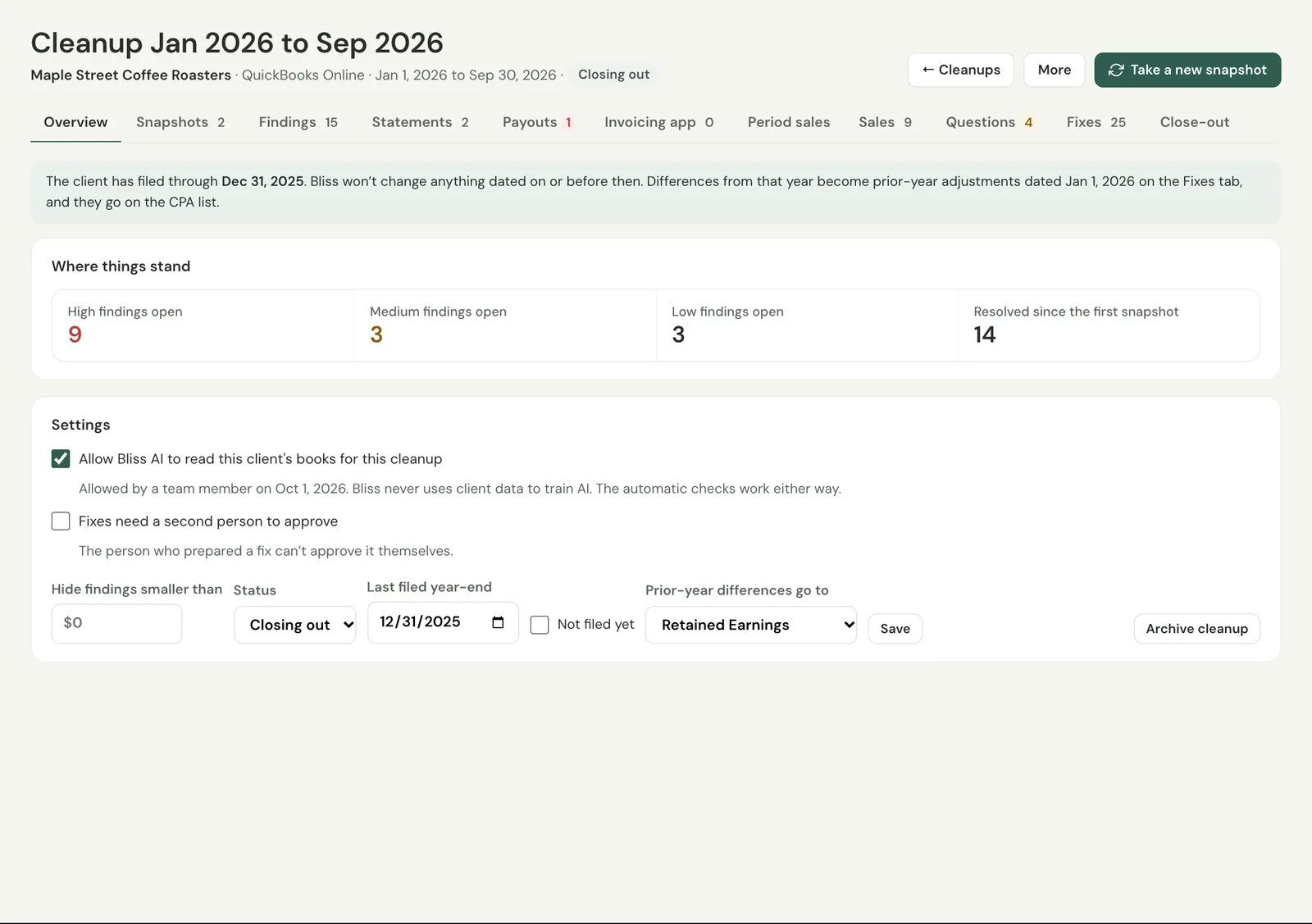
Do not edit transactions dated in a year that has already been filed. If you find a mistake in a filed year, record the correction as an adjusting entry on the first day of the open period and add it to a list for the client's CPA. Lock the filed period in QuickBooks Online or Xero so nobody changes it by accident.
6. Fix the opening balances
- Tie each bank, card and loan balance at the start of the period to the statement.
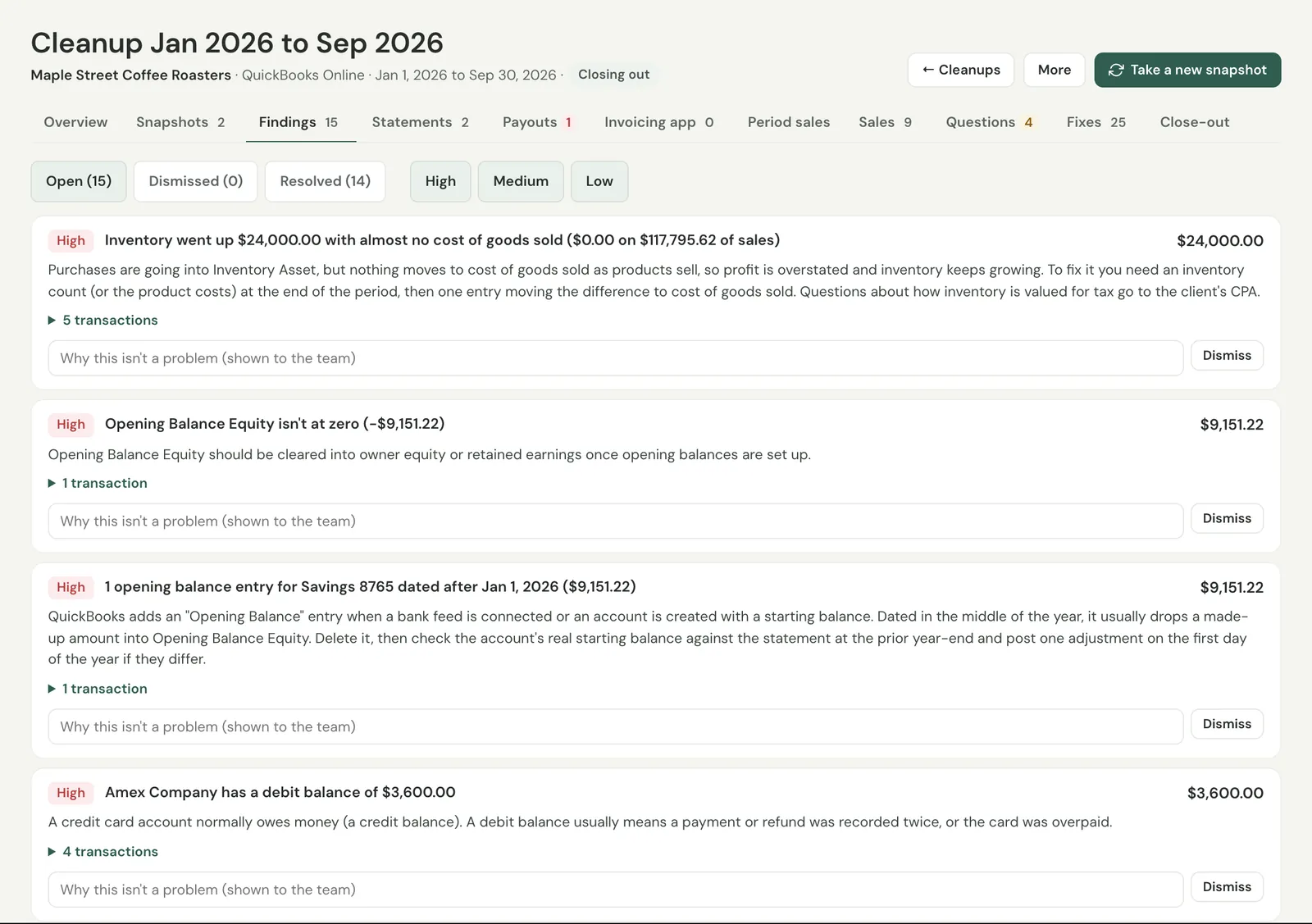
- Clear Opening Balance Equity into owner's equity or retained earnings.
- Delete stray "opening balance" entries that bank feeds create in the middle of the year, then confirm the real starting balance.
7. Reconcile every account, month by month
Work in date order, one account at a time.
- Reconcile each month to the statement before moving to the next.
- Look for missing transactions (on the statement but not in the books) and duplicates (in the books twice, often from a feed and a manual entry).
- Investigate uncleared items older than 60 days. Each one needs a reason or a fix.
8. Categorize, with rules
- Clear the catch-all accounts first: Uncategorized, Suspense and Ask My Accountant.
- Set up rules for the vendors that repeat every month. In a typical cleanup a small number of vendors account for most of the volume.
- Batch the unknowns into one list of questions for the client, with the date, amount and description of each. One clear list gets answered. Twenty emails do not.
9. True up payouts and sales
Merchant deposits are one of the most common sources of wrong income.
- Record sales at their gross amount, with processor fees and refunds booked separately, so income is not understated.
- Tie each payout to the deposit that landed in the bank.
- Compare total sales to the sales or sales tax reports for the period, and explain any difference.
10. Payroll and loans
- Use a payroll clearing account so net pay, taxes and benefits tie out to the payroll register.
- Split loan payments into principal and interest using the lender's statement.
11. Review the balance sheet
The profit and loss gets the attention, but the balance sheet shows whether the books are actually clean.
- Undeposited funds should be empty or explained.
- Credit cards should owe money, not show a debit balance.
- Suspense and clearing accounts should be zero.
- Old receivables and payables should be real, collected or written off.
- Owner draws and contributions should be in equity, not in expenses or income.
12. Review, approve and post the fixes
Put every adjusting entry, reclass and correction in one list. Have a second person review it before it is posted, especially for larger clients. Post approved fixes, then rerun the reconciliations.
13. Take an "after" snapshot and write the report
Compare the after snapshot with the before. A good cleanup report covers:
- what was wrong and what was fixed, in plain English;
- the key numbers before and after;
- questions the client answered, and any still open;
- the list for the CPA: prior-year adjustments and anything that affects tax.
14. Close out and move to monthly
- Lock the cleaned-up period.
- Hand over the report and walk the client through it.
- Start the monthly engagement while the books are clean. The best time to win a monthly client is the day you hand back a clean file.
Run your next cleanup in Bliss HQ
Books Cleanup in Bliss HQ turns this checklist into a guided project for QuickBooks Online and Xero files:
- Findings ranks every problem in the file, with the transactions behind each one.
- Rules clear the routine transactions quickly, and Questions collect what the client needs to answer in one place.
- Prior-year lock, Payouts and Sales true-up handle the steps that usually go wrong.
- Fixes wait for a person to approve them, and the Full report shows the client what changed.
It costs $199 flat per cleanup project, charged when you start it, and is refunded if you delete the project before the first snapshot.
The one-page checklist
- Scope: period, last filed year, every account, volume, complications.
- Quote a flat fee, with what is and is not included.
- Request every document in one tracked list.
- Save a "before" snapshot.
- Lock filed years; put prior-year differences on the CPA list.
- Fix opening balances and clear Opening Balance Equity.
- Reconcile every account, month by month.
- Categorize with rules; batch client questions.
- True up merchant payouts and sales.
- Set up payroll clearing; split loan payments.
- Review the balance sheet.
- Review, approve and post fixes.
- Save an "after" snapshot and write the report.
- Lock the period and start the monthly engagement.