Bliss HQ
Month-end close checklist for bookkeepers
A practical month-end close checklist for bookkeeping firms, from bank reconciliations to the client report, plus how to keep every client moving without chasing.
Month-end is where a bookkeeping firm earns its reputation. Clients rarely see the work, but they always notice when the report is late or a number looks wrong. A good close is repeatable: the same steps, in the same order, for every client, with the waiting-on-client items visible before they become a problem.
This is the checklist we use, and what we automate.
1. Before you start: get what you need from the client
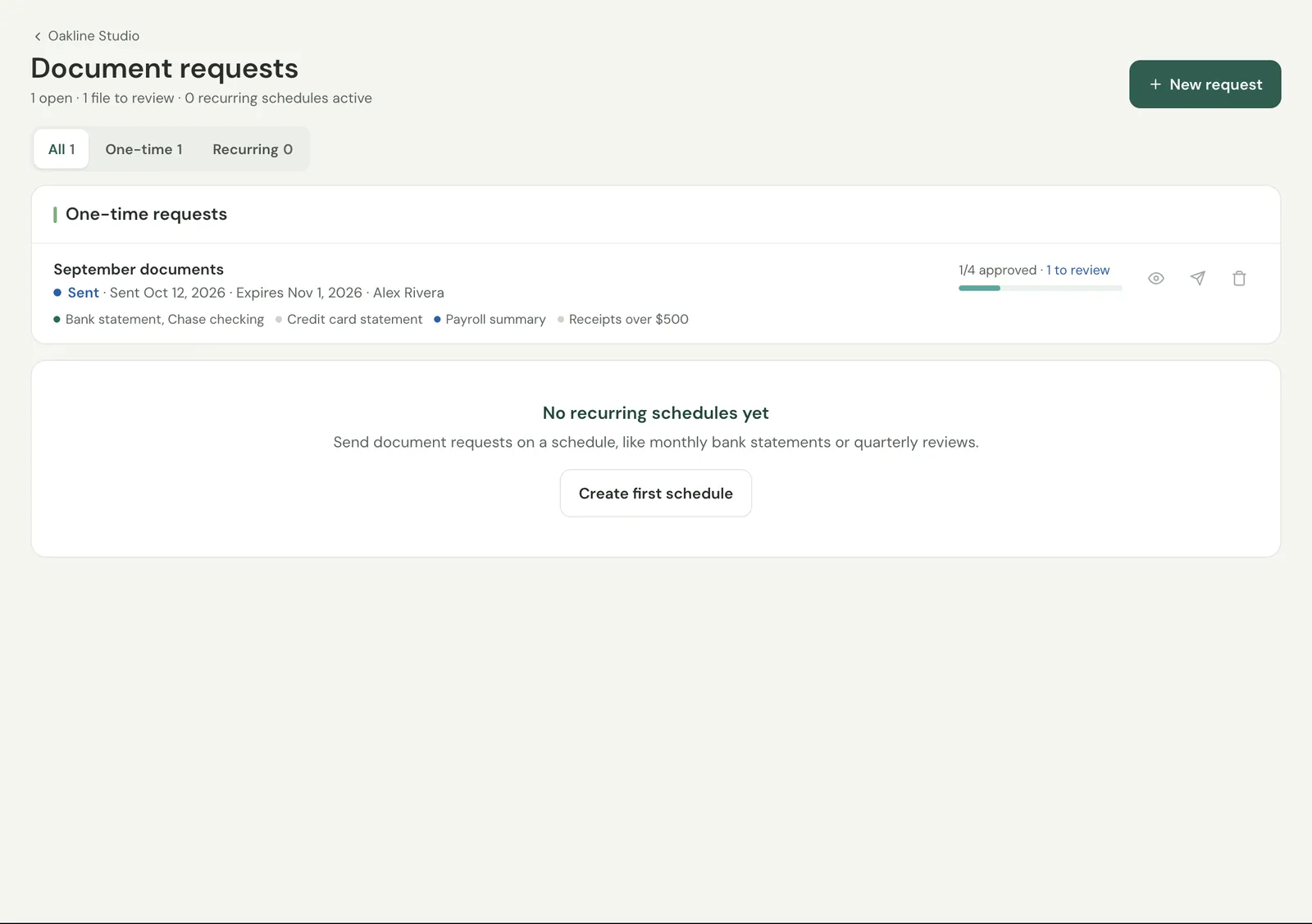
Most late closes are not caused by the bookkeeping. They are caused by a missing statement, an unanswered question or a login that expired. So the close starts a few days before month-end with requests, not entries.
- Request bank and credit card statements for every account, including the ones without a live feed.
- Ask for payroll reports, merchant payout reports (Stripe, Square, Shopify) and any loan statements.
- Send questions about transactions you already know are unclear, instead of saving them for the end.
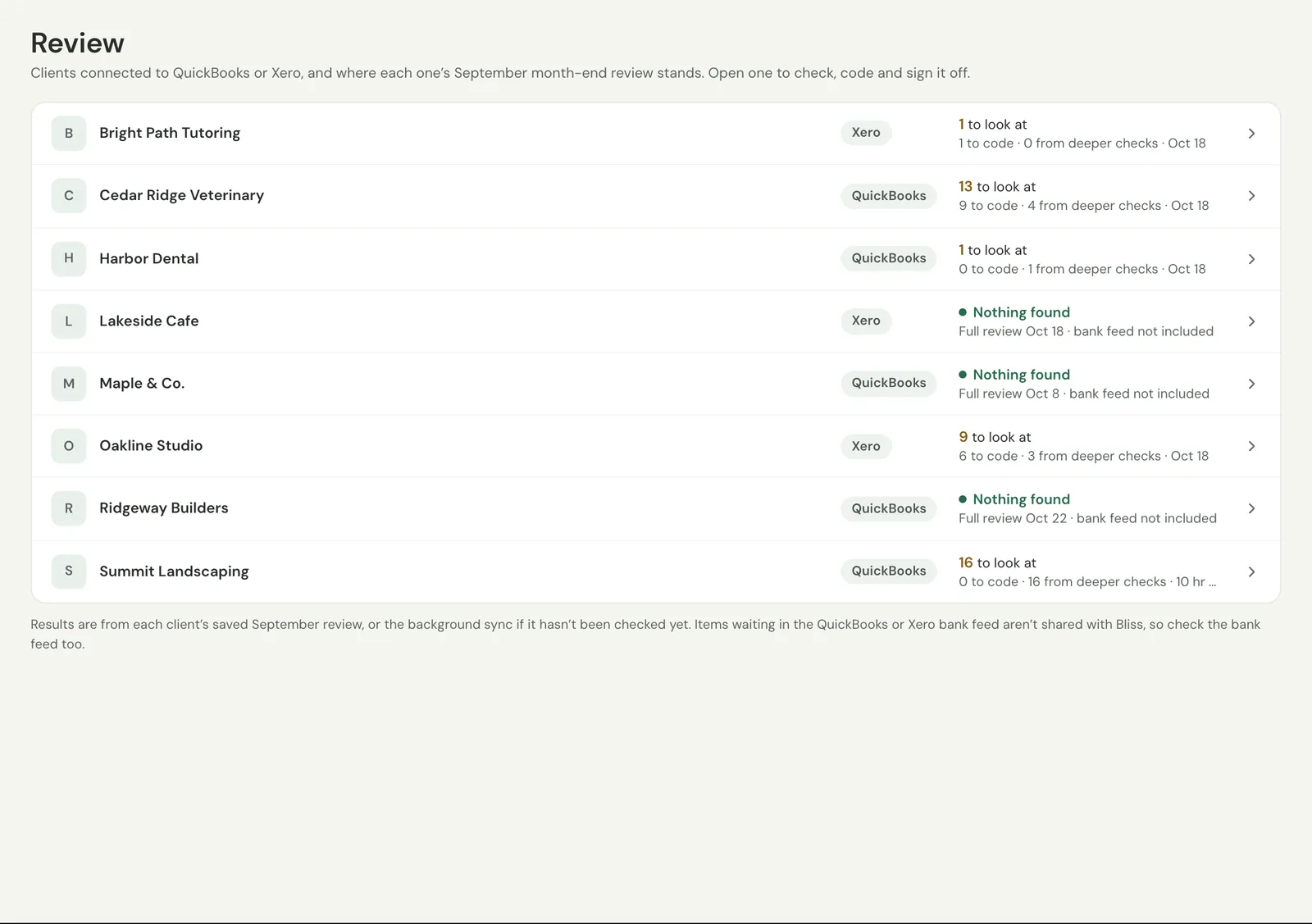
- Check that every bank feed and software connection is still working.
Tip: send one list per client, not five separate emails. A single tracked request with automatic reminders gets answered far faster than a thread.
2. Code everything that came in
- Clear the catch-all accounts first: Uncategorized, Suspense and Ask My Accountant.
- Code bank feed transactions using bank rules where the pattern is reliable.
- Match deposits to invoices and payments to bills, so receivables and payables stay true.
- Flag anything you cannot code and turn it into a client question straight away.
3. Reconcile every account
- Reconcile each bank and credit card account to its statement balance.
- Review uncleared items older than 60 days and decide what to do with each one.
- Tie loan balances to lender statements and post the interest split.
- Check that undeposited funds is empty or explained.
A reconciliation is not done because the difference is zero. It is done when the old uncleared items have a reason.
4. Review the numbers before anyone else does
- Compare the P&L with last month and with the same month last year. Ask why anything moved more than you expected.
- Look for obvious miscoding: software in rent, owner draws in expenses, transfers booked as income.
- Check the balance sheet for negative balances that should not be negative, like a credit card with a debit balance.
- Make sure Opening Balance Equity is zero once the file is set up.
- Confirm payroll liabilities clear each month.
5. Report and invoice
- Prepare the management report: P&L, balance sheet and a short summary in plain English.
- Have a second person review it if the client is large or the month was unusual.
- Send the report and your invoice together, so the client sees the value with the bill.
- File a copy of the report in the client's documents.
6. Close the period
- Lock the period in QuickBooks Online or Xero so nothing changes behind you.
- Note anything you are carrying into next month.
- Mark the job complete so your team can see where everyone stands.
How to stop chasing clients
The checklist is the easy part. The hard part is running it for 30, 60 or 100 clients at once without losing track of who you are waiting on. Three things make the biggest difference:
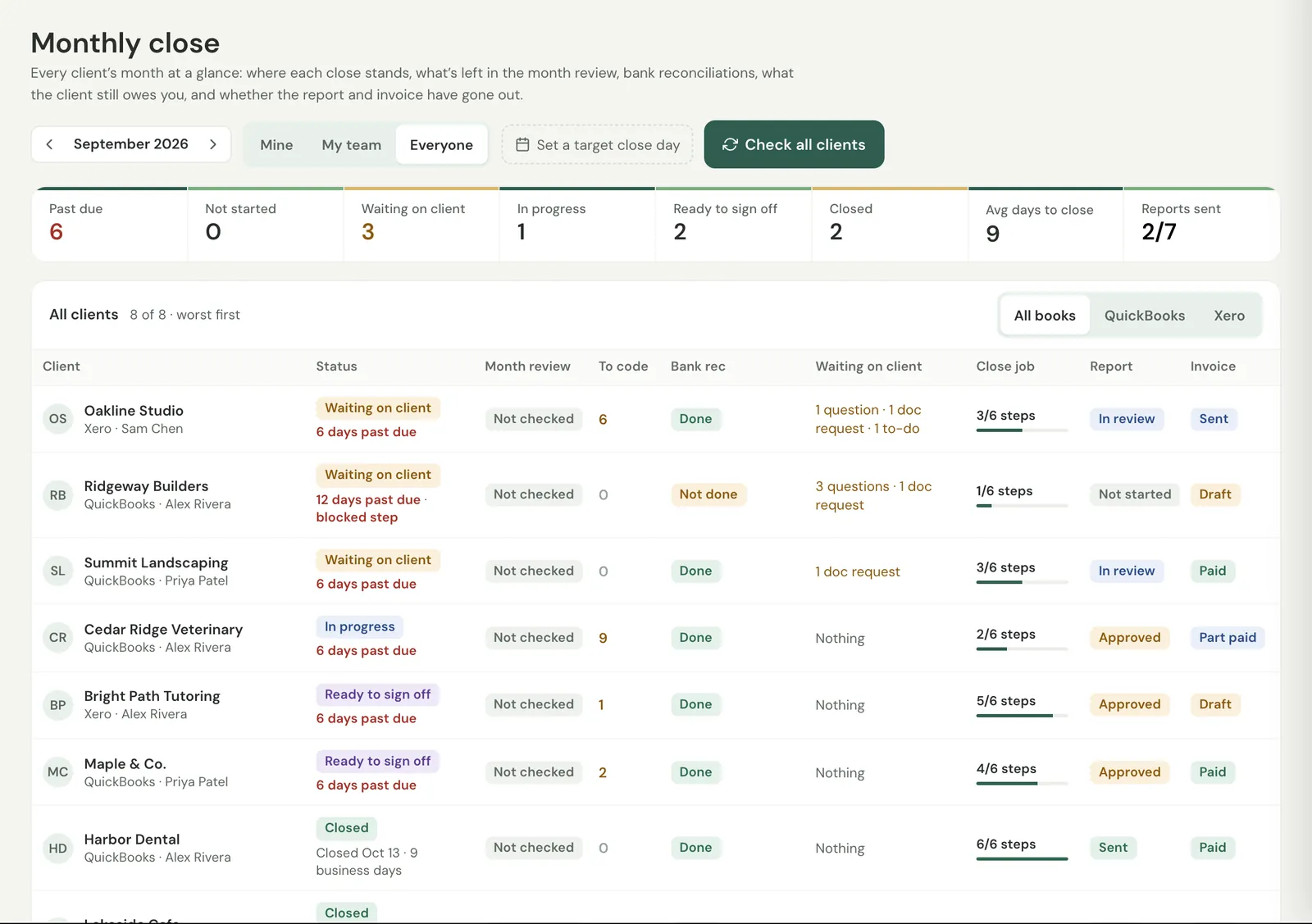
- One board for the whole month. See every client's close in one place: how much is left to code, what the client still owes you, whether the reconciliation is done and whether the report and invoice have gone out.
- Requests that chase themselves. Document requests and client questions should send their own reminders and stop the moment the client answers.
- A recurring job with the same steps every month. When the close is a template, nothing depends on someone remembering.
That is exactly how the Monthly close board in Bliss HQ works, alongside document requests and recurring jobs.