Bliss HQ
7 Karbon alternatives for bookkeeping firms in 2026
Looking for a Karbon alternative? Compare seven practice management tools for bookkeeping firms, with what each does best, how it is priced and when Karbon is still the right fit.
Karbon is one of the best-known practice management platforms for accounting firms, and for good reason: its workflow and email collaboration are excellent. But it is not the right fit for every firm. Bookkeeping firms in particular often go looking for alternatives for a few common reasons.
We make Bliss HQ, one of the tools below, so we have tried hard to be fair. Every option here is a good product for the right firm.
Prices are as published on each vendor's website in October 2026 unless noted. Always check current pricing with the vendor.
Why bookkeeping firms look for Karbon alternatives
- Per user pricing. Karbon is priced per user per month (Team from $59 billed annually or $79 monthly, Business from $89 or $99). Costs rise every time you hire, even if your client count does not.
- No view into the books. Karbon manages the work around a client, but it does not review the client's QuickBooks Online or Xero file. Bookkeepers often want to see what is uncoded or miscoded right next to the job.
- Sales tools. Firms that want lead scoring, web forms and follow-up sequences for prospects usually add a separate CRM.
- Trying before buying. Karbon leads with demos and tours. Some firms prefer a self-serve trial with their own clients.
If none of these bother you, Karbon may still be your best choice. See the end of this post.
1. Bliss HQ
Best for: bookkeeping and CAS firms on QuickBooks Online or Xero that want one system for the whole client lifecycle.
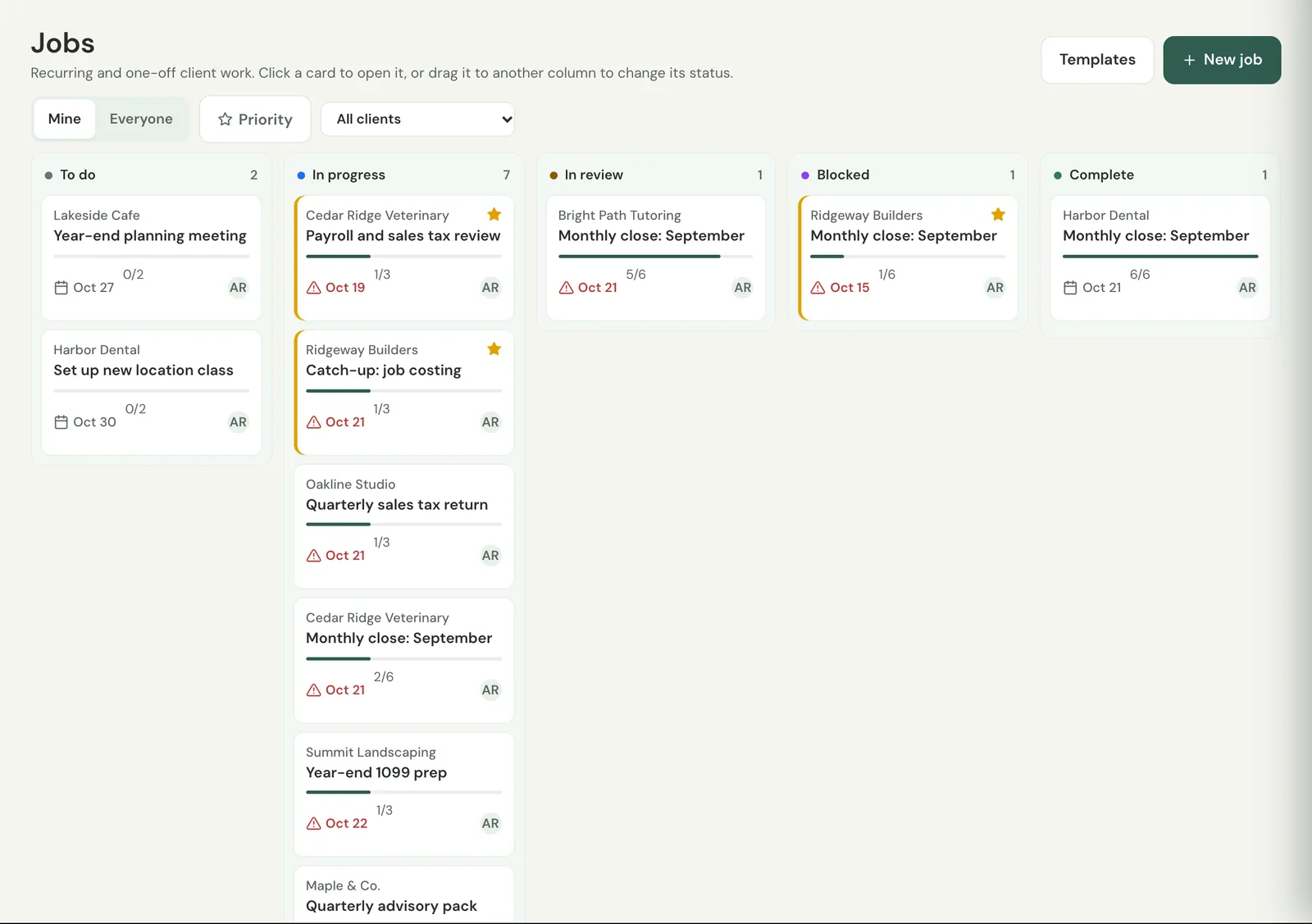
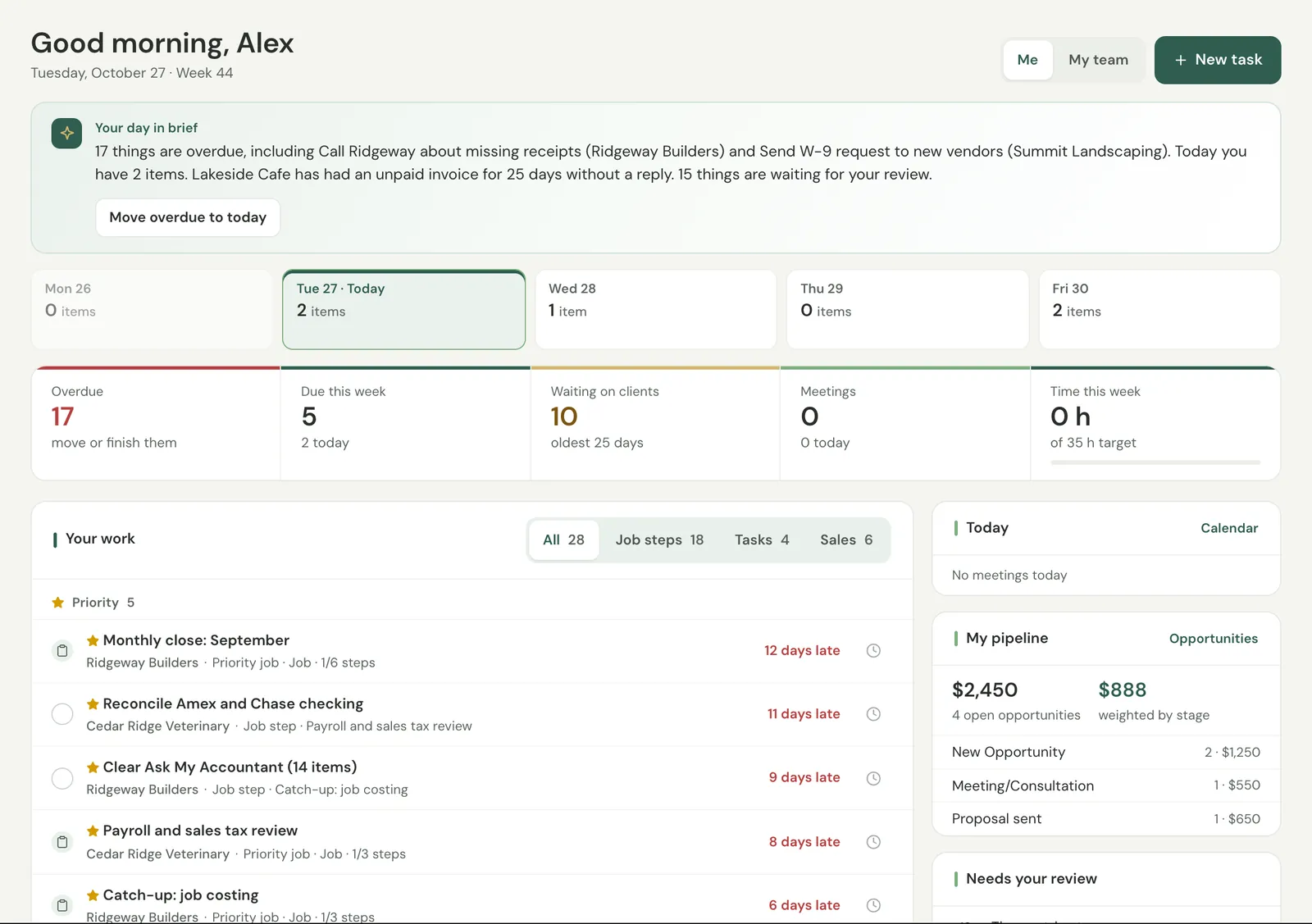
Bliss HQ covers what Karbon does for workflow, with recurring jobs, checklists and a personal My Week, and adds bookkeeping-specific tools on the same client record:
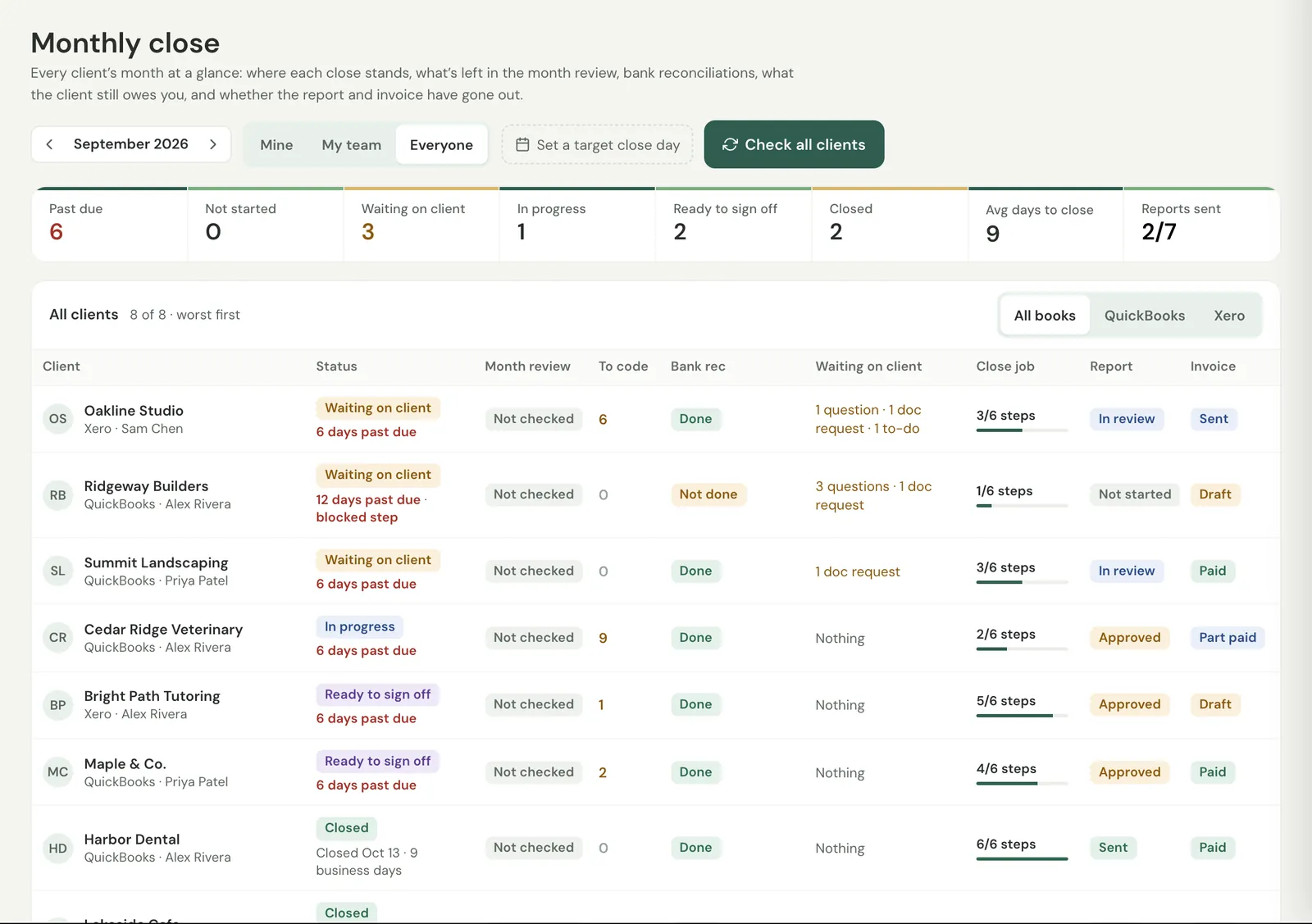
- a Monthly close board showing every client's close;
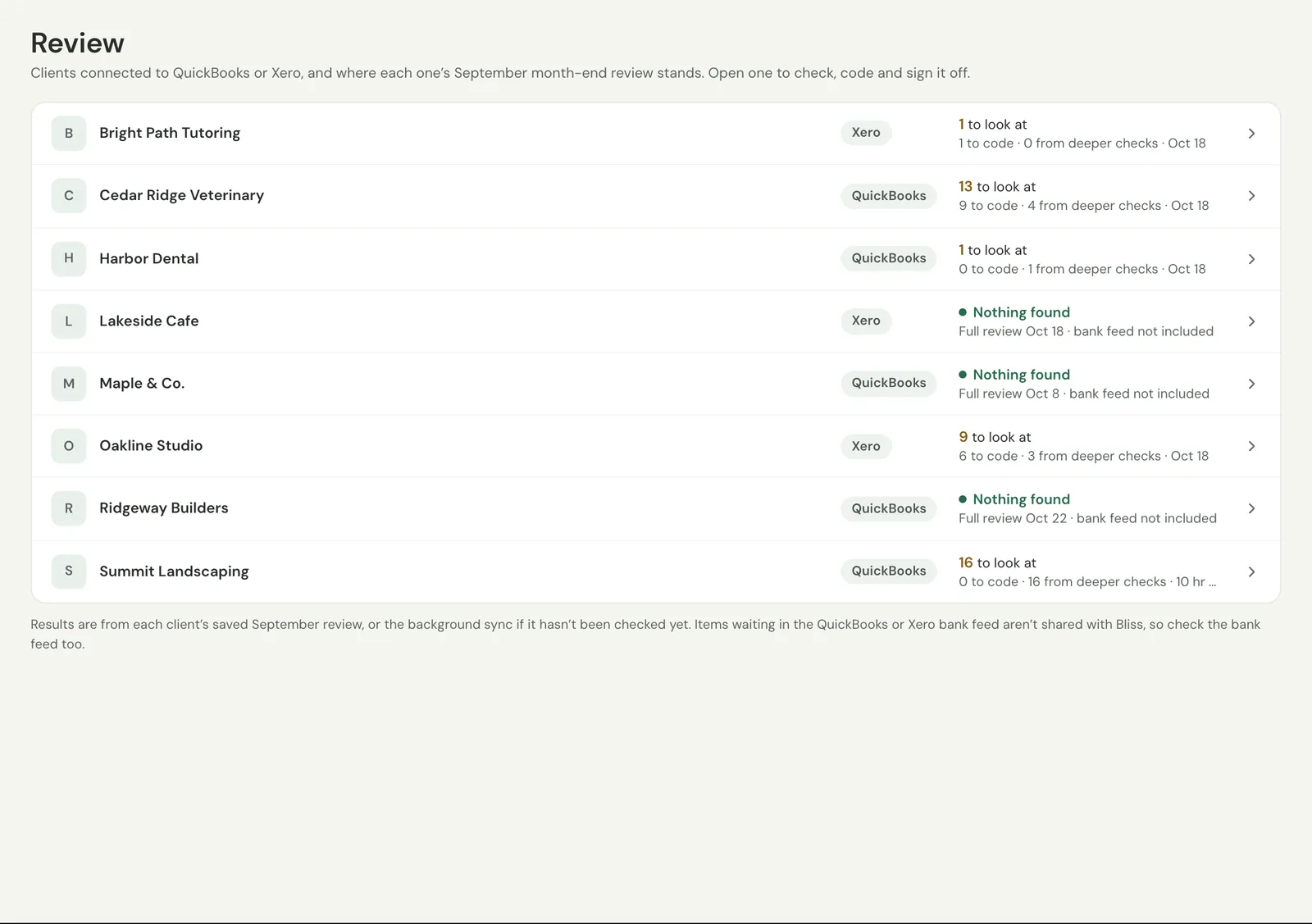
- QuickBooks and Xero review of uncoded and miscoded transactions, with questions sent to the client;
- a CRM with lead scoring and nurture sequences;
- proposals with e-signature, onboarding sequences, a branded client portal, time and billing and management reports.
- Pricing: per active client with unlimited staff. Founding Firm price for the first 50 firms: $9 per client a month, $7 after 25 clients and $5 after 100. 30-day free trial, no card.
- Consider: built for bookkeeping and CAS on QuickBooks Online and Xero. Tax-first firms may prefer a tax-focused tool.
2. Financial Cents
Best for: small firms of 2 to 30 people that want simple, affordable workflow.
Financial Cents is known for ease of use. It offers 250+ workflow templates, a CRM that syncs with QuickBooks Online, a passwordless client portal, time and billing, and proposals that create work when signed.
- Pricing: per user per month on annual plans: Solo $19, Team $49, Scale $69. A month-end close add-on is $5 per client, and the branded portal is on Scale. 14-day trial, no card.
- Consider: close and review tools are an add-on, and costs still grow per user.
3. Double
Best for: firms whose biggest problem is the month-end close.
Double is built around the close: AI-assisted coding, review, flux analysis and a client portal for questions, synced with QuickBooks Online and Xero.
- Pricing: per connected client with unlimited users, reported in November 2026 as $10, $25 or $50 per client a month. Trial after a demo.
- Consider: it is not a full practice management system, so many firms run it alongside workflow, CRM and billing tools.
4. TaxDome
Best for: tax-heavy firms that want an all-in-one portal and workflow.
TaxDome combines a client portal, documents, e-signature, workflow and billing with tools for tax season.
- Pricing: per user, billed annually. Check TaxDome's site for current plans.
- Consider: shaped around tax work, so ledger review and bookkeeping-specific features are lighter.
5. Canopy
Best for: firms that want a broad suite, including tax resolution.
Canopy offers practice management, a client portal, documents, time and billing, and tax resolution tools, with close automation as an add-on.
- Pricing: per user per month on annual plans: $74, $109 or $149. Close Automation is $10 per connected client. Trial through sales.
- Consider: one of the higher per user prices, plus a per client add-on for the close.
6. Client Hub
Best for: firms that want strong client collaboration around QuickBooks Online and Xero.
Client Hub focuses on communication with clients, including a portal where clients can answer questions and categorize transactions.
- Pricing: per user per month, from $49, with unlimited clients.
- Consider: priced per user, like Karbon.
7. Jetpack Workflow
Best for: firms that only need recurring workflow and due dates.
A simple, focused tool for recurring jobs and deadlines.
- Pricing: per user per month, from $40.
- Consider: workflow only. You will need separate tools for the portal, proposals, billing and review.
What it costs as you grow
Per user and per client pricing behave very differently as a firm grows. Here is a simple example using published prices for a firm with 40 active clients:
| Team size | Karbon Team (annual, per user) | Bliss HQ (per active client, Founding Firm price) |
|---|---|---|
| 3 people | $177 a month | $330 a month |
| 6 people | $354 a month | $330 a month |
| 10 people | $590 a month | $330 a month |
With a small team, per user pricing can be cheaper. As you hire, per client pricing stays tied to the clients you serve. Run the numbers for your own firm on our pricing page.
When Karbon is still the right choice
- Your team works mainly from email and you love Karbon's shared inbox.
- You are a larger, established firm and want a long-standing category leader.
- You do not need ledger review inside your practice management tool.
How to switch without disrupting month-end
- Start new clients in the new system first.
- Move existing clients in batches, right after each one's close.
- Rebuild your recurring job templates before you move any work.
- Keep the old system read-only until the first full month-end in the new one is done.
Most tools on this list have a free trial. Run one real month with three or four clients before you decide.
Karbon and other product names are trademarks of their owners. This comparison is based on each vendor's public website in October 2026 and may change. Spotted something out of date? Email info@getblisshq.com.